Audit log
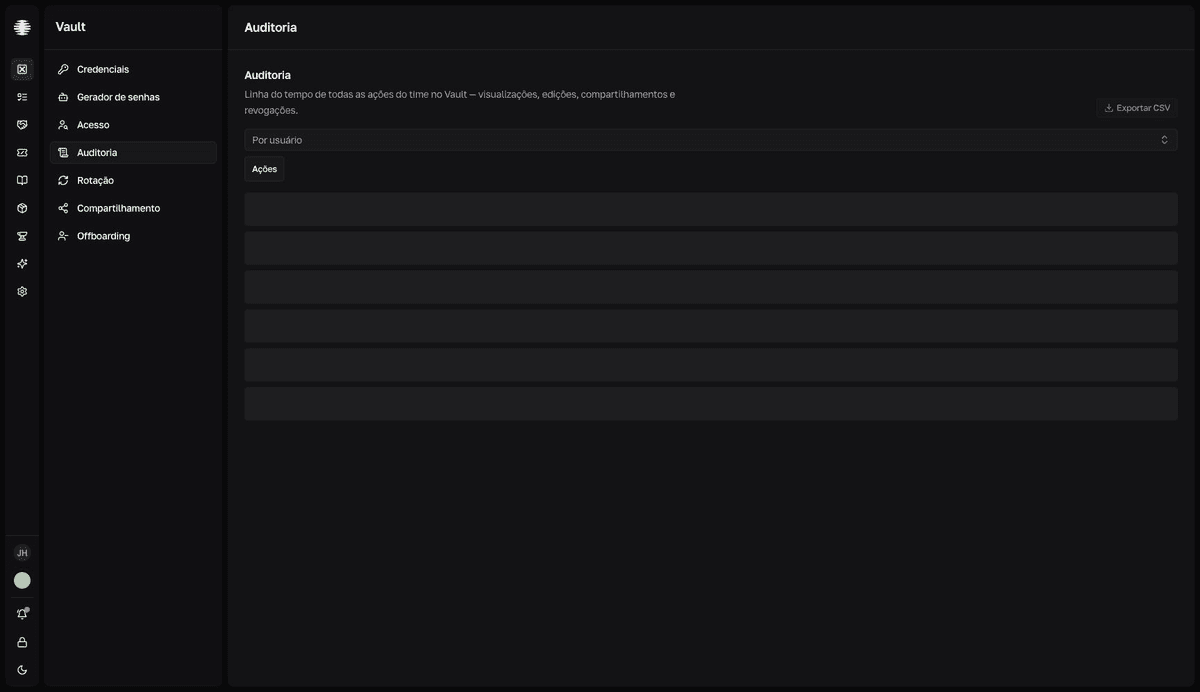
The Audit log is the timeline of every team action in Vault — views, edits, shares, and revocations. Use it in security reviews and after an offboarding. Visible only to Vault managers.
Read the timeline
- 1
Open `Audit log` in the Vault sidebar.
Events appear grouped by day, newest first, with time, person, action, and credential. Pagination shows 50 events per page (
Anterior/Próximo— previous / next). - 2
Filter with `Por usuário` (by user) and `Ações` (actions).
Por usuárionarrows to one person.Açõesfilters by event type with checkboxes.Limpar(clear) removes the filters. Coming from theAccessscreen throughVer auditoria(view audit), the person filter arrives already applied.
What each action means
| Action | When it happens |
|---|---|
Visualizou (viewed) | Someone opened the credential. |
Viu segredo (saw secret) | Someone revealed or copied a value — copying while hidden also counts. |
Editou (edited) | A field changed; the event lists the changed fields. |
Compartilhou (shared) | A single-use link was generated. |
Revogou link (revoked link) | A link was revoked by a manager. |
Acesso por link (link access) | A single-use link was opened by the recipient. |
Desativou (deactivated) | The credential was deactivated. |
Export to CSV
The Exportar CSV (export CSV) button downloads the filtered events as a CSV file. The export has a row cap: if the filters return too many events, Vault warns "Restrinja a busca antes de exportar" (narrow the search before exporting) — apply Por usuário or Ações and export in parts.
Audit log or history?
The Audit log covers the whole team and is manager-only. To follow one specific credential, anyone with access to it uses the Histórico (history) tab of the credential panel — see Reveal, copy, and edit fields.