GOVERNANCEGuide
Review a person's access
Answer "what can this person see in Vault?" on a single screen — to review permissions or prepare an offboarding. The Access screen appears only for Vault managers.
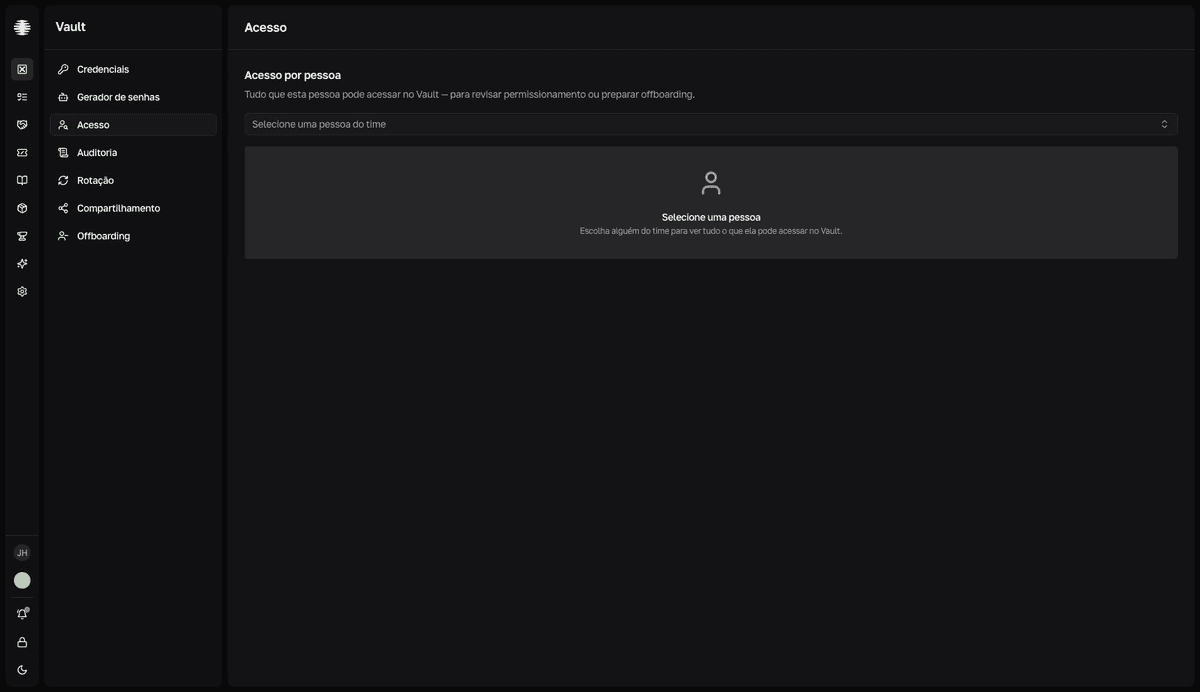
Select the person
- 1
Open `Access` in the Vault sidebar.
The
Acesso por pessoa(access by person) screen opens asking for a selection. - 2
Use `Selecione uma pessoa do time` (select a team member) and search by name or email.
The screen loads everything the person can reach: four summary tiles and the credentials table.
resultTiles: Total alcançável · Próprias · Via grupos · Vistas em 30d (total reachable · own · via groups · viewed in 30d)
Read the result
- The
Origem(origin) column shows where the access comes from:Próprio(own — the person is the owner) or the name of the group the credential is inherited from. - The
Tudo,Próprias,Via grupos, andNunca vistasfilters (all, own, via groups, never viewed) slice the table.Nunca vistaslists credentials the person can reach but never opened — candidates to leave their groups. - The
Última vista(last viewed) column shows when the person last opened each credential.
Access broader than the role requires is a sign to review the person's groups in Groups.
Chain the next actions
With the person selected, two buttons continue the work: Ver auditoria (view audit) opens the audit log already filtered by the person, and Iniciar offboarding (start offboarding) opens the offboarding dialog with the person preselected.