Run an offboarding
When someone leaves the team, start an offboarding session: Vault generates a checklist with everything that needs to happen before they go — reassign credentials, rotate secrets, revoke links, and remove group memberships. Visible only to Vault managers.
Start the session
- 1
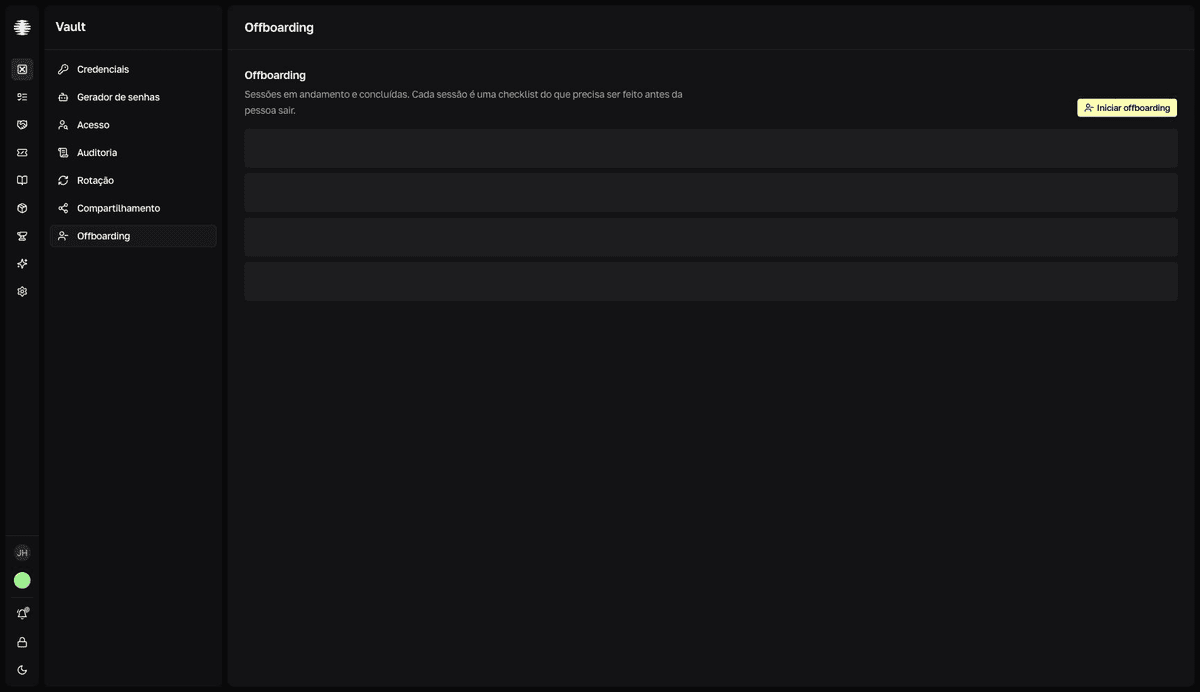
Open `Offboarding` in the Vault sidebar and click `Iniciar offboarding` (start offboarding).
The screen lists sessions under
EM ANDAMENTO(in progress) andCONCLUÍDOS RECENTEMENTE(recently completed). The button also appears on the Access screen, with the person already selected. - 2
Choose the `Pessoa` (person) and, if you want, add `Observações (opcional)` (optional notes).
For example: "último dia 22/05; passagem de cargo para Sara" (last day May 22; role handover to Sara). The notes stay visible in the session.
- 3
Click `Iniciar offboarding`.
resultToast "Offboarding iniciado" (offboarding started) — the session opens with the generated checklist and the task progress bar.
If the person already has an open session, Vault takes you straight to it — there are no duplicate sessions for the same person.
Work through the checklist
The session organizes tasks into six sections, in the order it makes sense to resolve them:
| Section | What it covers | Action |
|---|---|---|
Reatribuir propriedade (reassign ownership) | Credentials currently owned by the person. | Reatribuir (reassign) opens a dialog showing Dono atual (current owner) and asks for the Novo responsável (new owner). Confirming transfers ownership of the credential in Vault immediately — not just marks the task done. |
Rotacionar expostas (rotate exposed) | Credentials the person could see recently. | Abrir credencial (open credential) to replace the value — see Rotate secrets. |
Revogar links externos (revoke external links) | Single-use links created by the person, still active. | Revogar link (revoke link) revokes straight from the session. |
Revogar tokens de acesso (revoke access tokens) | CLI, extension, and SDK tokens issued by the person. | None — shown as Revogado automaticamente (automatically revoked). |
Remover de grupos (remove from groups) | Groups the person is a member of. | Abrir grupos (open groups) takes you to Groups. |
Itens pessoais (personal items) | The person's personal vault — transfer or delete. | Transferir (transfer) opens the Transferir item pessoal (transfer personal item) dialog and moves ownership to someone you pick. Deletar (delete) permanently deactivates the credential in Vault — this cannot be reversed. |
The tokens section has no button on purpose: Movitera® revokes the person's access tokens on its own. Click Atualizar (refresh) at the top of the session to reflect tasks resolved outside it.
Each task has a ⋯ menu with Marcar como concluído (mark as done), Feito fora do Movitera (done outside Movitera), and Pular (skip) — use them when the resolution happened in another system or doesn't apply.
Finish the session
With the tasks resolved, click Finalizar offboarding (finish offboarding). If anything is still pending, Vault asks "Finalizar com tarefas pendentes?" (finish with pending tasks?) — you can Finalizar mesmo assim (finish anyway), and the pending tasks are recorded as not completed in the session report.
Rotate what the person knew
Revoking access prevents new use, but the person may have memorized a secret. Treat the Rotacionar expostas (rotate exposed) section as mandatory for sensitive credentials.