Rotate secrets
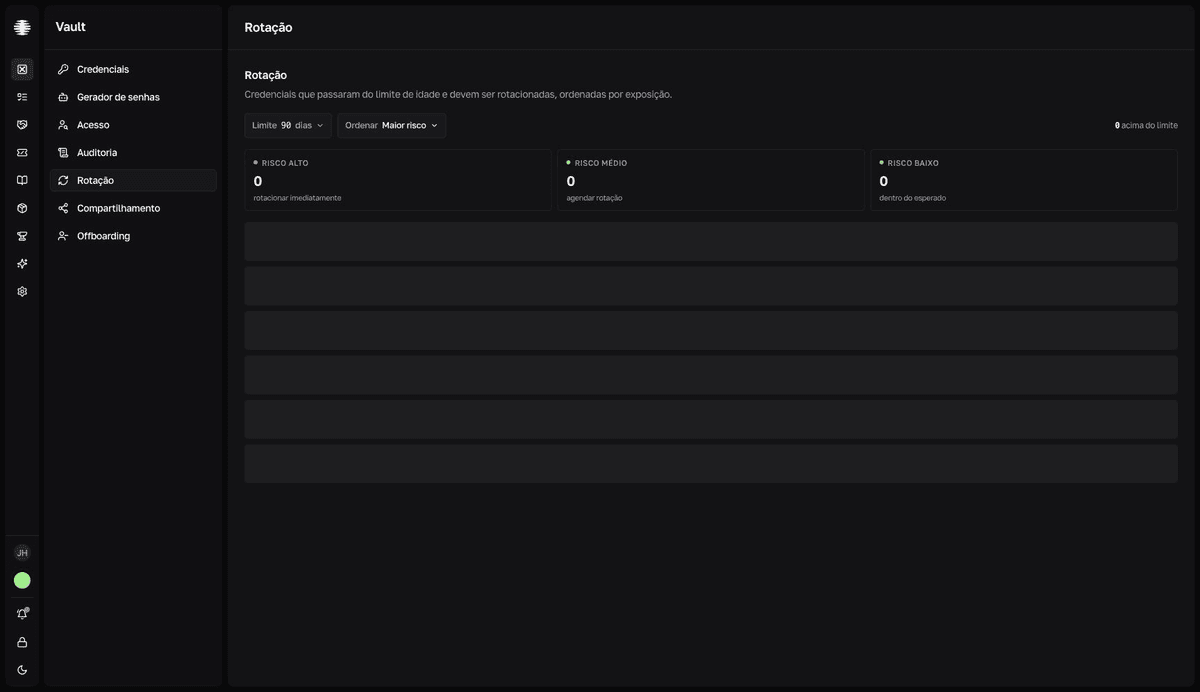
Replace old passwords and keys regularly. The Rotation screen lists the credentials past the age limit, sorted by exposure — visible only to Vault managers.
Find what needs rotating
- 1
Open `Rotation` in the Vault sidebar.
Three tiles summarize the queue:
Risco alto(high risk — rotate immediately),Risco médio(medium risk — schedule it), andRisco baixo(low risk — within the expected age). - 2
Adjust the `Limite` (age limit): 30, 60, 90, 180, or 365 days.
The default is 90 days. Lower limits bring more recent credentials into the review.
- 3
Sort with `Ordenar` (sort): `Maior risco` (highest risk), `Mais antigas` (oldest), or `Mais recentes` (newest).
Risk combines the secret's age with how many members can see it. The red
nunca rotacionada(never rotated) badge marks credentials whose value was never changed since creation.
Rotate a credential
`Rotacionar` (rotate) only opens the credential
The button changes nothing by itself: it opens the credential panel for you to edit the value. The rotation is the field edit.
- 1
Replace the secret in the source system.
Generate the new value in the Password generator and update the source service first — Vault stores the copy, not the source.
- 2
On the credential's row, click `Rotacionar` (rotate).
The credential panel opens on the
Detalhes(details) tab, where theCampos(fields) section is. - 3
Edit the field with the new value and confirm in `Salvar alteração?` (save change?).
The dialog shows the diff between the old and the new value. See Reveal, copy, and edit fields.
resultThe edit resets the secret's age — the credential leaves the Rotation list.
When no credential is past the limit, the screen shows "Tudo em dia" (all up to date). Adjust the Limite to review more recent credentials.