Plan cycles
A cycle is a time-boxed window of work, like a sprint. Create one-off cycles or let the cadence generate the next ones on its own. There is no start action: the cycle becomes Ativo (Active) when its start date arrives.
Create a one-off cycle
- 1
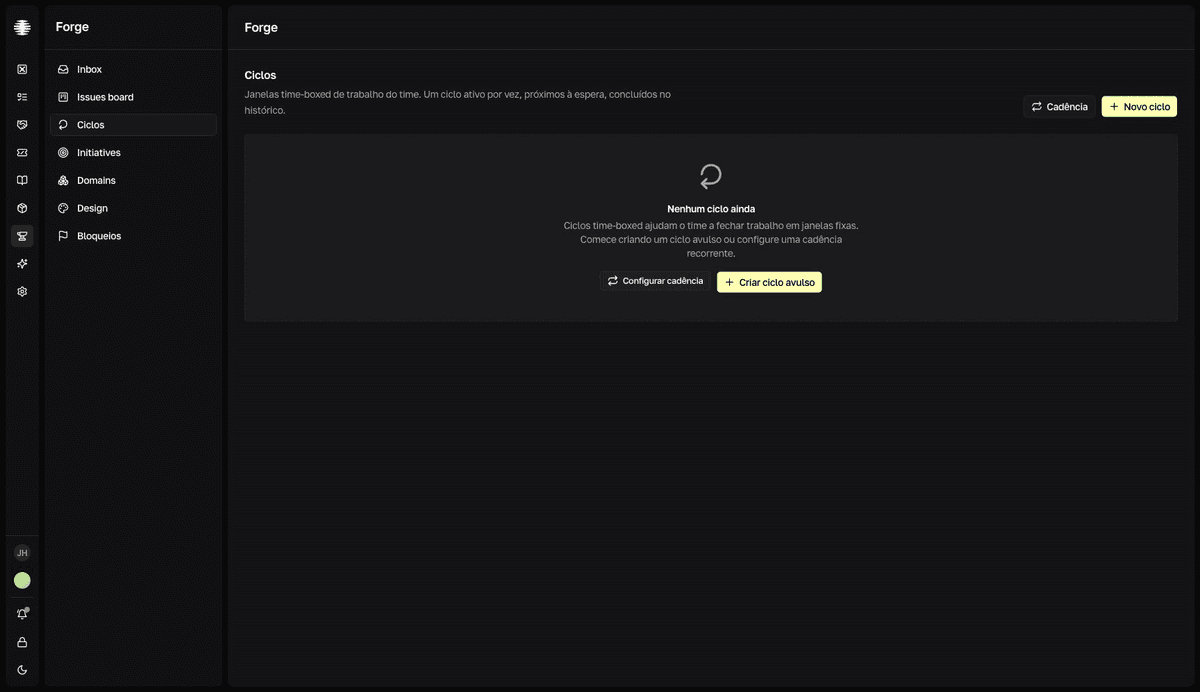
Open `Ciclos` (Cycles) in the Forge sidebar and click `Novo ciclo` (New cycle).
Cycles have the states
Próximo(Upcoming),Ativo(Active), andConcluído(Completed). - 2
Set `Início` (Start), `Término` (End), and the `Objetivo` (Goal).
The goal guides the team — for example, “Close onboarding v2”. You can edit it later by clicking it on the cycle card.
- 3
Click `Criar ciclo` (Create cycle).
resultThe cycle joins the upcoming list and becomes active automatically when its start date arrives.
Set up the cadence
- 1
Click `Cadência` (Cadence) on the `Ciclos` page.
The “Cadência de ciclos” (Cycle cadence) dialog opens.
- 2
Turn on `Gerar ciclos automaticamente` (Generate cycles automatically).
New cycles are created when the current one completes.
- 3
Set the team's rhythm.
Duração(Duration) — from1 semana(1 week) to4 semanas(4 weeks), or custom from 1 to 90 days —,Início da semana(Week start),Ciclos futuros(Future cycles, 1 to 12), and theHorário de virada(boundary time) — the exact moment one cycle ends and the next begins, in your local time. - 4
Check the `Prévia` (Preview) and click `Salvar cadência` (Save cadence).
The preview shows the next three windows before you save.
Cadence changes regenerate the upcoming cycles
Turning the cadence off removes the auto-generated future cycles. Changing the start day or the boundary time regenerates the upcoming cycles on a new grid. The warnings appear in the dialog itself — read them before saving.
Track the cycle
Click Abrir ciclo (Open cycle) to see the cycle's page. The tabs change with the state: Progresso (Progress, on an active cycle) and Retro (completed) bring the burndown and the analysis cards — “Taxa de conclusão” (Completion rate), “Variação de escopo” (Scope change), “Composição por tipo” (Composition by type), and “Cobertura por iniciativa” (Coverage by initiative). The Lista (List) tab shows the cycle's issues, with the Adicionar issue ao ciclo (Add issue to cycle) button; Atividade (Activity) records issues entering and leaving.
What you can edit in each state
| Cycle state | You can edit |
|---|---|
Próximo (Upcoming) | Objetivo (Goal), Início (Start), and Término (End). It's the only state where Remover (Remove) is available. |
Ativo (Active) | Objetivo and Término. |
Concluído (Completed) | Only the Objetivo. |
Fields outside the rule appear disabled in the edit dialog, not hidden.