DEVICESGuide
Track network discovery
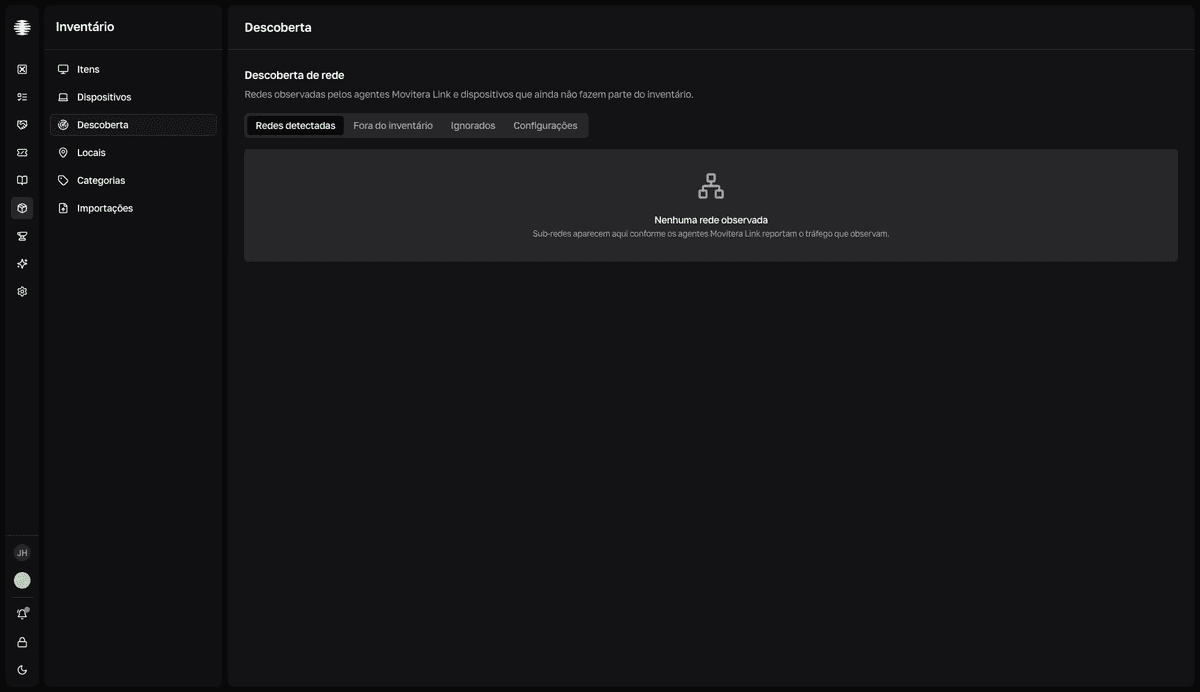
The Discovery page shows the networks the Movitera Link agents observe and the devices seen on the network that aren't part of the inventory yet. The lists are read-only — you act on them from other pages.
Where the data comes from
The agents report what they observe on the network while Descoberta ativada (Discovery enabled) is on in the Movitera Link settings — that's where you pick the mode (Passivo — Passive, Ativo — Active, or Ambos — Both) and the scan interval. With no agents running discovery, the tabs stay empty.
The three tabs
| Tab | What it shows |
|---|---|
Redes detectadas (Detected networks) | The observed subnets, with the Corporativa (Corporate), Pessoal (Personal), or Desconhecida (Unknown) classification, the device and observer counts, and the last signal. |
Fora do inventário (Outside the inventory) | Devices seen on the network with no match in the inventory: MAC, manufacturer, hostname, IP, and last signal. |
Ignorados (Ignored) | Devices marked as ignored, with the same fields. |
What to do with a device outside the inventory
Discovery rows don't open a detail or offer actions — think of it as a radar. When something relevant shows up under Fora do inventário (Outside the inventory):
- If it's a team computer, install the Movitera Link agent on it — the machine starts appearing in
Devices, with full data. - If it's equipment without an agent — a printer, a switch — add an asset manually.